
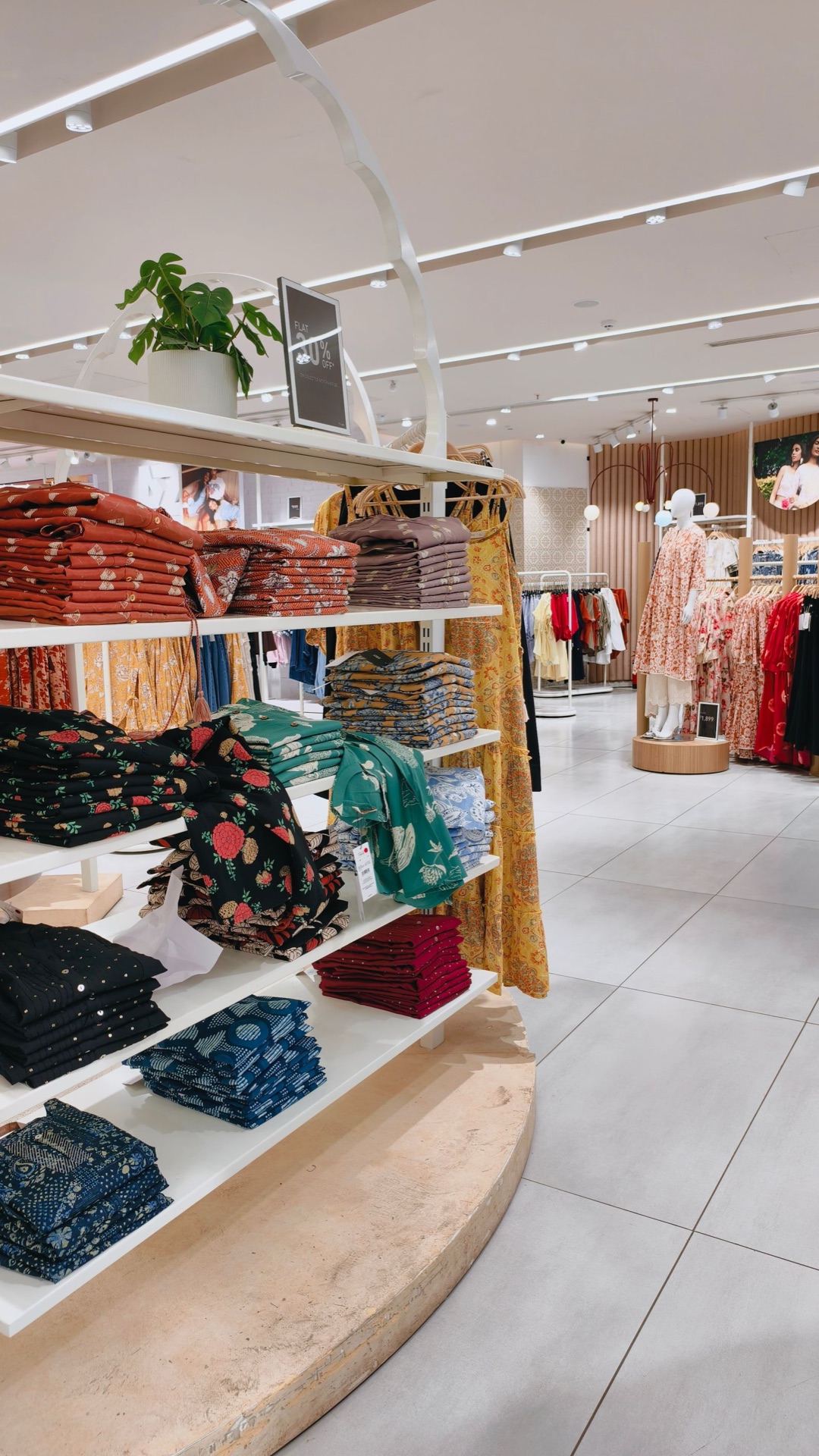
You've reached a certain maturity with a single brand, and now a second storefront, a different target audience, or a new category is on your mind. At this point, the real obstacle to growth isn't the idea—it's the architecture: a poorly designed multi-store setup splits a working operation in two and creates two half-functioning businesses. A properly designed multi-store strategy, on the other hand, lets you grow several brands at once on shared stock, a shared team, and shared infrastructure. In this guide, we walk step by step through when you should open a second store, how a single-panel multi-storefront architecture works, domain and SEO decisions, and the most common mistakes.
When should you open a second store?
Moving to multiple stores isn't a prestige decision—it's a data-driven operational one. A second storefront only makes sense once the first store has matured enough to run on its own. If you can clearly see at least two of the following signals, it's time to seriously put the topic on the table:
- Your current catalog now contains two incompatible product groups that hurt each other's conversion when shown on the same storefront (for example, premium design products sitting next to price-focused outlet items),
- A specific category generates 25–30% of total revenue on its own and could support a higher price point with its own identity,
- Your ad accounts have clarified two distinct target audiences; the same creative and the same message can no longer speak to both at once,
- Dealer or wholesale demand on the B2B side has become regular, but your retail storefront can't carry that pricing and process,
- You're expanding into a different country or language market and need to build a local brand perception.
Conversely, if your first store's order operations still require daily intervention, returns processes aren't settled, and stock accuracy is below 95%, a second store won't solve existing problems—it will double them. Automate the single store first, then replicate it.
How does a single-panel, multi-store architecture work?
The technical backbone of a multi-store setup hinges on a single question: where will the data live? There are two extreme scenarios. In the first, a separate e-commerce setup is built for each brand—separate panel, separate database, separate integrations. In the second, a single core system feeds multiple storefronts at once.
The separate-setup model looks "clean" at first glance, but in practice its cost grows fast: every new store means one more shipping integration, one more payment gateway agreement, one more accounting connection, and one more marketplace mapping. By the time you reach five stores, you have a team updating the price of the same product in five separate panels.
In a single-panel architecture, the core layer is shared: product cards, the stock pool, customer records, the order engine, and integrations are all managed in one place. The storefront layer, however, splits per store: each brand gets its own domain, its own theme, its own price list, and its own campaign setup. The same product can live at a different price and with a different description on Store A, and not appear at all on Store B.
The concrete gains of this architecture are:
- Stock is deducted from a single pool; the risk of double-selling the last unit across two stores at once disappears,
- Shipping, payment, and accounting integrations set up once serve all stores,
- Since there's a single order screen, the warehouse team pulls orders from one queue regardless of which store they came from,
- The cost of opening a new store drops from months to days: defining a theme, a domain, and a price list is enough.
Balancing brand separation and resource sharing
The most critical design decision in a multi-store strategy is what stays shared and what stays separate. The general principle: everything the customer sees is separated, everything the customer doesn't see is shared.
What needs to be separated
Brand name, logo, color palette, tone and language, product photography style, social media accounts, and the sender identity of customer emails should each be distinct per store. If a customer of your premium brand receives your outlet brand's campaign email from the same sender address, both brands' positioning suffers. Pricing policy also belongs in this group: selling the same product at different prices across two storefronts is legitimate, but if the customer can spot this with a single search, the justification for the premium price (a different service level, different packaging, a different warranty) needs to be real.
What should be shared
Warehouse, stock pool, purchasing, accounting, customer service infrastructure, returns process, and technical team should remain shared. A single team–multiple brands model works particularly well for customer service: the same representative sees which store the request came from on their screen and replies with the appropriate brand signature. The economics of this model are clear: one seven-person team carries the same volume as two separate five-person teams.
"In a multi-store setup, success isn't measured by the number of stores; it's measured by whether an order reaches the door in the same time and at the same cost, regardless of which brand it came from."
Domain strategy and SEO implications
What will the second store's address be? This decision affects both brand perception and search engine performance for years. There are three basic options: a fully separate domain (brandb.com), a subdomain (brandb.branda.com), and a subdirectory (branda.com/brandb). To simplify the comparison:
| Criterion | Separate domain | Subdomain | Subdirectory |
|---|---|---|---|
| Brand separation | Fully independent identity | Perceived as tied to main brand | No separation |
| SEO authority | Starts from zero | Partially starts from zero | Leverages the main domain's authority |
| Time to first traffic | 6–12 months | 3–6 months | Weeks |
| Best-fit scenario | Distinct audience, distinct positioning | Country/language versions, B2B portal | Category expansion of the same brand |
The practical rule: if the brands will genuinely be positioned as independent from each other, a separate domain is unavoidable—budget for starting from zero in SEO as the first year's cost. A subdomain is sufficient for the same brand's B2B portal or an international version. If you're simply expanding into a new category, don't open a new store; building strong category pages on your existing domain delivers results much faster.
Whichever route you choose, don't skip two technical homework items: don't copy the same product description verbatim across two stores (duplicate content weakens the ranking of both storefronts), and don't overdo cross-store navigation links; search engines easily detect artificial link networks.
Operations: shared warehouse, accounting, and team structure
Variety on the storefront should be balanced by simplicity in the warehouse. The best-performing warehouse model in a multi-store setup is a single picking queue, independent of the store: orders are collected in one list by arrival order and shipping cutoff time, and store-specific box and invoice templates kick in at the packing station. This way the warehouse staff never has to think "which brand"—the system itself selects the right box and the right sender label.
On the accounting side, there are two common setups: all stores tracked as separate branches/brands under a single legal entity, or each brand incorporated separately. A single legal entity is almost always the right choice at the start; cash flow, VAT, and staff management run from one place. Separate incorporation should only come up if one of the brands will take on investment, be sold, or move toward a different ownership structure. Either way, the e-commerce panel must be able to produce per-store revenue, profitability, and expense reports; finding out at month's end which brand is actually making money by merging spreadsheets isn't sustainable.
The ideal team structure is hybrid: operations, technology, and customer service shared; marketing and content owned per brand. In small teams, the same person can run marketing for two brands, but each brand's weekly agenda must be kept separate; otherwise the strong brand silently absorbs the weaker one's resources.
Alignment with marketplaces and sales channels
A multi-store strategy isn't limited to your own sites; your stores on marketplaces are part of this architecture too. If your stores on Trendyol, Hepsiburada, and Amazon draw from the same stock pool as your own storefronts, a product sold on one channel must update across all channels within seconds. Adding more stores before this sync is in place multiplies double-selling and cancellation rates; for a detailed setup, see our marketplace stock sync guide.
Be deliberate about channel-brand matching too: not every brand needs to be on every marketplace. Letting your price-focused brand compete aggressively on marketplaces while keeping your premium brand only on your own site and select channels can be healthier for both margin and perception.
Common mistakes
The multi-store mistakes we see most often in the field follow a clear pattern:
- Splitting too early: Opening a second store before the first is profitable and automated. Two half-efforts always produce less than one full focus.
- Blurred brand identity: Two stores using the same visuals, the same copy, and the same campaigns. If the customer can't tell the difference, the second store has no reason to exist.
- Stock islands: "Allocating" physical stock to each store. Split stock instead of a shared pool means one storefront reads "sold out" while the product sits idle on another.
- Price conflict: Selling the same product at an unjustified price difference across two storefronts, discoverable by the customer in a single search.
- Growth without reporting: Without per-store profitability tracking, a losing brand rides on the back of a profitable one for years.
- Duplicated infrastructure: Setting up a separate platform for each store and multiplying integration and maintenance costs by the number of stores.
Step-by-step transition plan
Once you've made the decision, carry out the transition gradually, not all at once. A healthy transition typically takes 8–12 weeks:
- First two weeks: clarify the store-brand matrix—which product appears on which storefront, at what price,
- Weeks 3–5: migrate the infrastructure to a single-panel, multi-store model; verify the shared stock pool and integrations,
- Weeks 6–8: build the second store's theme, content, and SEO foundation; test the payment and shipping flow end to end,
- Week 9 onward: launch softly; closely monitor the first 100 orders to confirm returns, shipping, and accounting flows work correctly per brand.
During the transition, keep a separate eye on your first store's performance metrics; the intensity of setting up the second store shouldn't disrupt your main revenue source.
Conclusion
When set up at the right time and with the right architecture, a multi-store strategy is the most effective way to reach audiences a single brand couldn't, at the same operating cost. Set up wrong, it produces a structure that does the same work twice, pays twice, and wears out twice. The distinction lies in preserving variety on the storefront while keeping simplicity at the core at the same time: let the brands separate, keep the stock, operations, and data unified.
Quick checklist
- Is your first store running profitably without daily intervention?
- Is the second store's target audience and positioning defined in writing?
- Do all stores draw from a single stock pool?
- Has your domain strategy (separate domain / subdomain / subdirectory) been decided along with its SEO cost?
- Can you pull per-store revenue and profitability reports from a single panel?
- Does the warehouse run on a single picking queue with brand-specific packing templates?
- Have product descriptions been made non-identical across stores?
- Does each brand have its own sender identity and visual language for email?
You don't need to buy separate systems to build this setup from scratch. Şimşek Software's single-panel, multi-store architecture provides a shared stock pool, per-store themes and pricing, marketplace sync, and brand-level reporting out of the box. To see how your existing setup can move to multiple stores, take a look at our solutions, compare the plan that fits you on our pricing page, and try a live multi-store setup with your own products by requesting a demo.